
Video
- Full-fledged YouTube player
- Skip unwanted segments and elements
- Play your favorite playlists and mixes
- Ad-free video playback
 AutoTube
 Player is an innovative app for Android devices that lets you watch video on Android Auto. It delivers smooth playback of virtually any media: YouTube - IPTV - Radio and much more – everything you love, in one place.
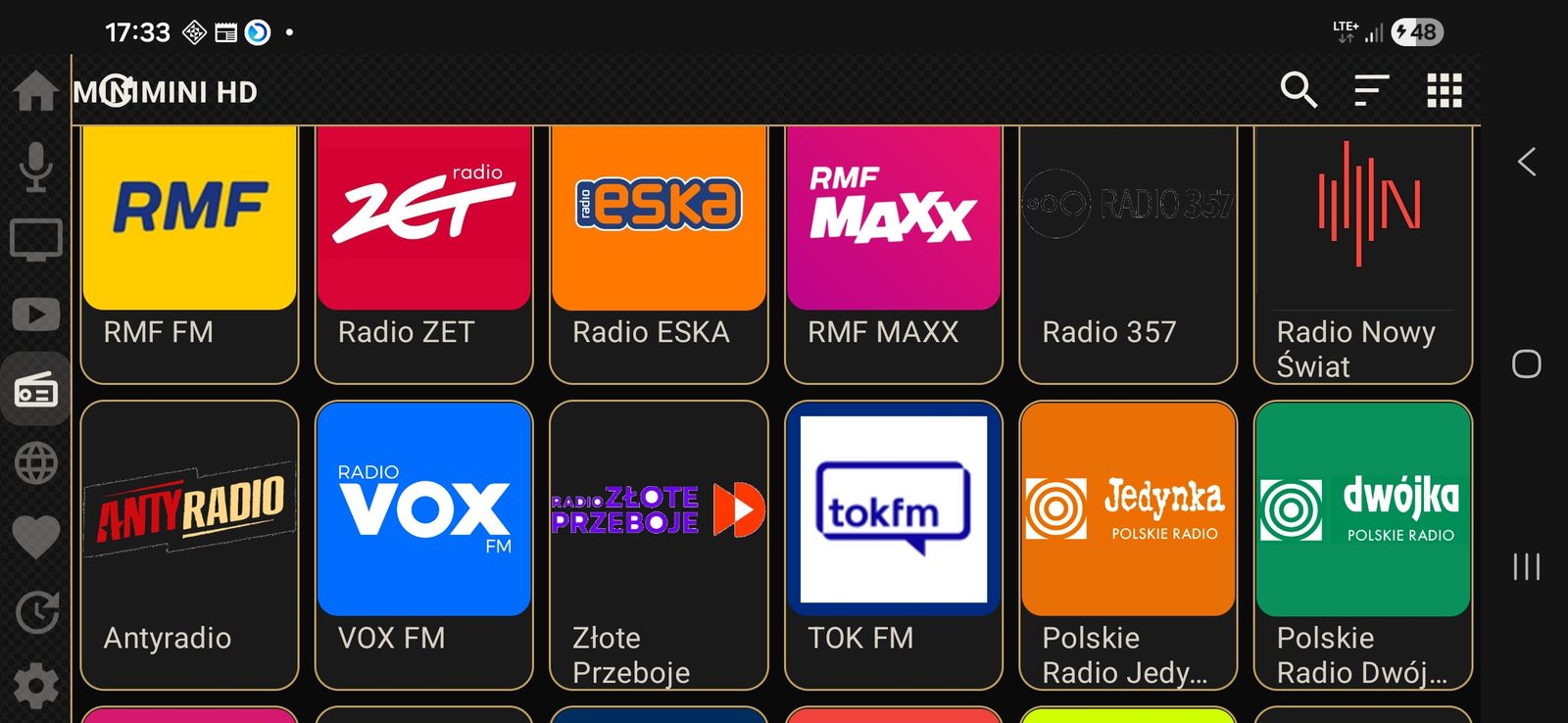
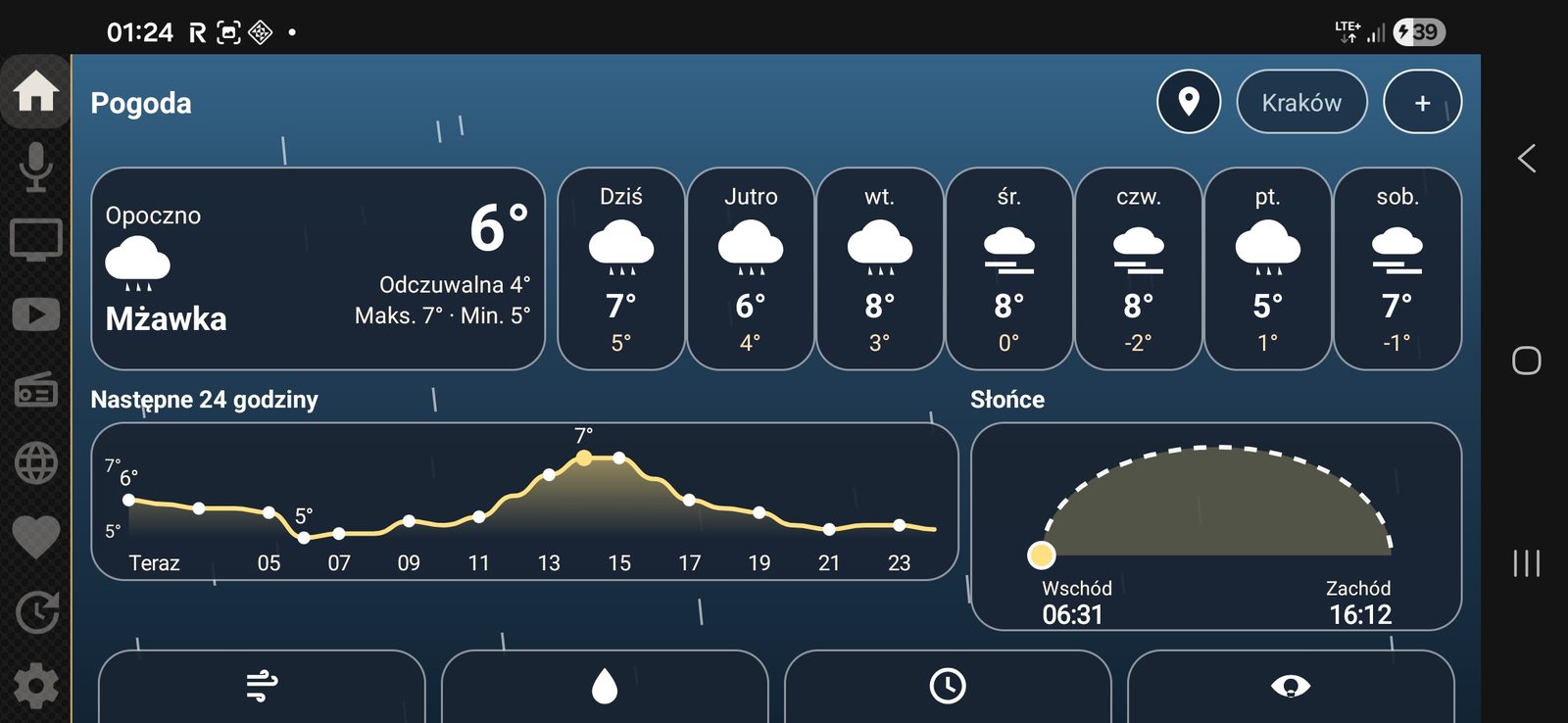
AutoTube in the car: weather, menu, video, radio and music.
Space for the next feature.
You try AutoTube free for 2 days. After that the trial ends, and if you like the app, you buy a license and keep using it.
€16.50
Enter your Google Play Gmail address in the payment reference.
We distribute AutoTube through the Google Play developer testing program. Apps distributed this way are not visible to users who have not received an invitation. You will receive the invitation to install the app from the Play Store by email.
* Tip: if the Play Store shows “Item not found” or another download error, that’s normal right after access is being granted – check again in 10–30 minutes. You need to be signed in to the Google Play Store with the Gmail address you gave for access.
From purchase to launch: invitation email, the “Download” button, Google Play, installation and first launch.
All AutoTube features work the same whether you’re parked or driving. To make control more convenient and safer, the app gives you these control options:
The AutoTube app does not collect or share any of your personal data. Special permissions such as accessibility are not required for the app to work; they are used to enable special features such as mirroring or auto start.
Privacy policy page →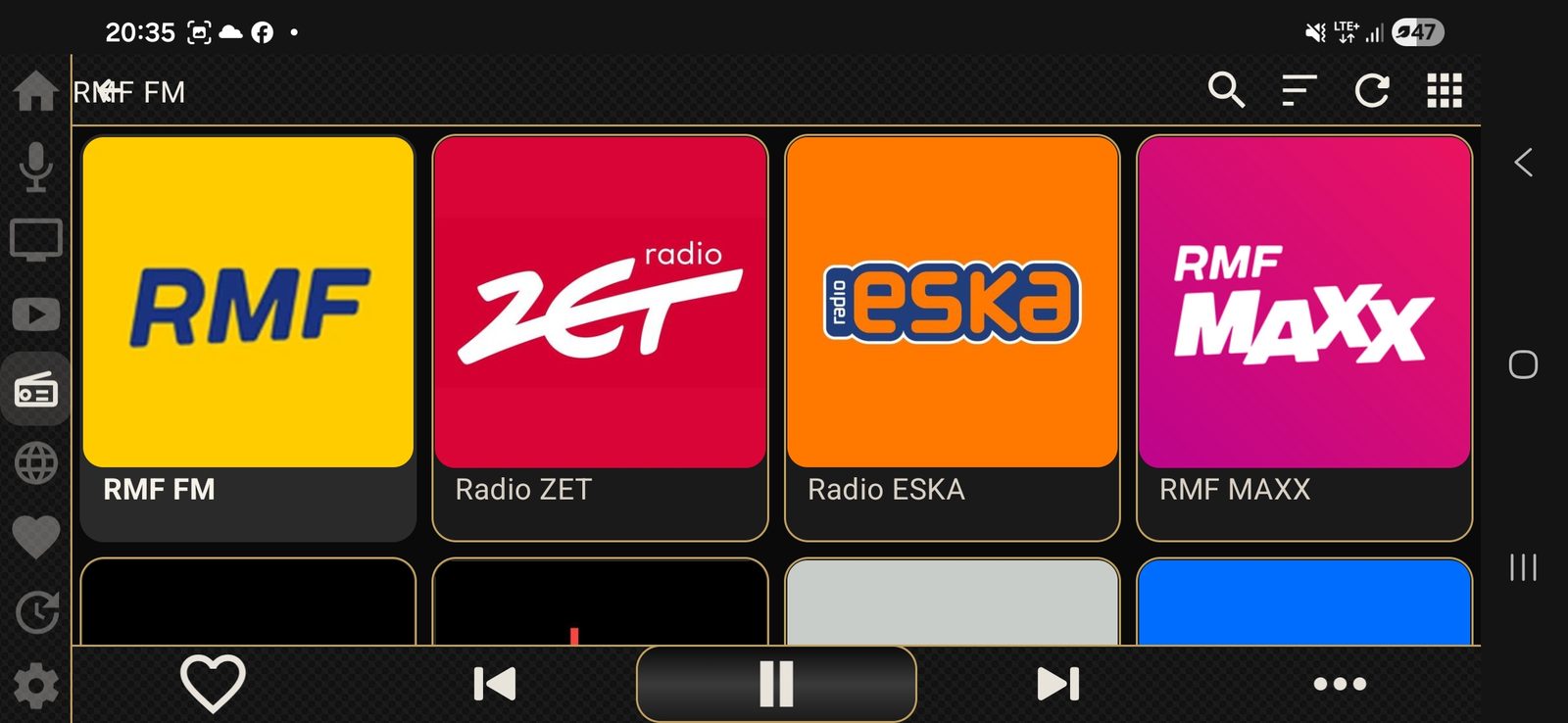
User community
Over 1000 users in the Messenger community. Check it out before you buy, see other people’s experiences, get help with installation and watch videos showing what the app can do.
Yes, if your car has Android Auto. The make, the model and the connection type – wired or wireless – don’t matter.
Yes, the app fully supports a D-pad / rotary knob (the little dial) and a touchpad, as well as full control with the car’s media buttons.
We distribute it through the Google Play developer testing program. Apps distributed this way are not visible to users who have not received an invitation. You will receive the invitation to install the app from the Play Store by email.
Yes, you can watch Netflix through the companion app Rave, which you can get from the Play Store. Once you sign in to that app, you can launch Netflix and other services on Android Auto.
The app is currently available for Android only; testing is underway to make it work on iPhone and CarPlay as well.
You pay once for lifetime access on one phone. If you change phones, write to us and we’ll transfer your access.
In the “AutoTube – Video on Android Auto” community on Messenger, or by sending a message to the AutoTube Facebook page.
Reinstall it from the link in your invitation email. Your license on that phone is still active. If you can’t install the app from the link, send us a message.